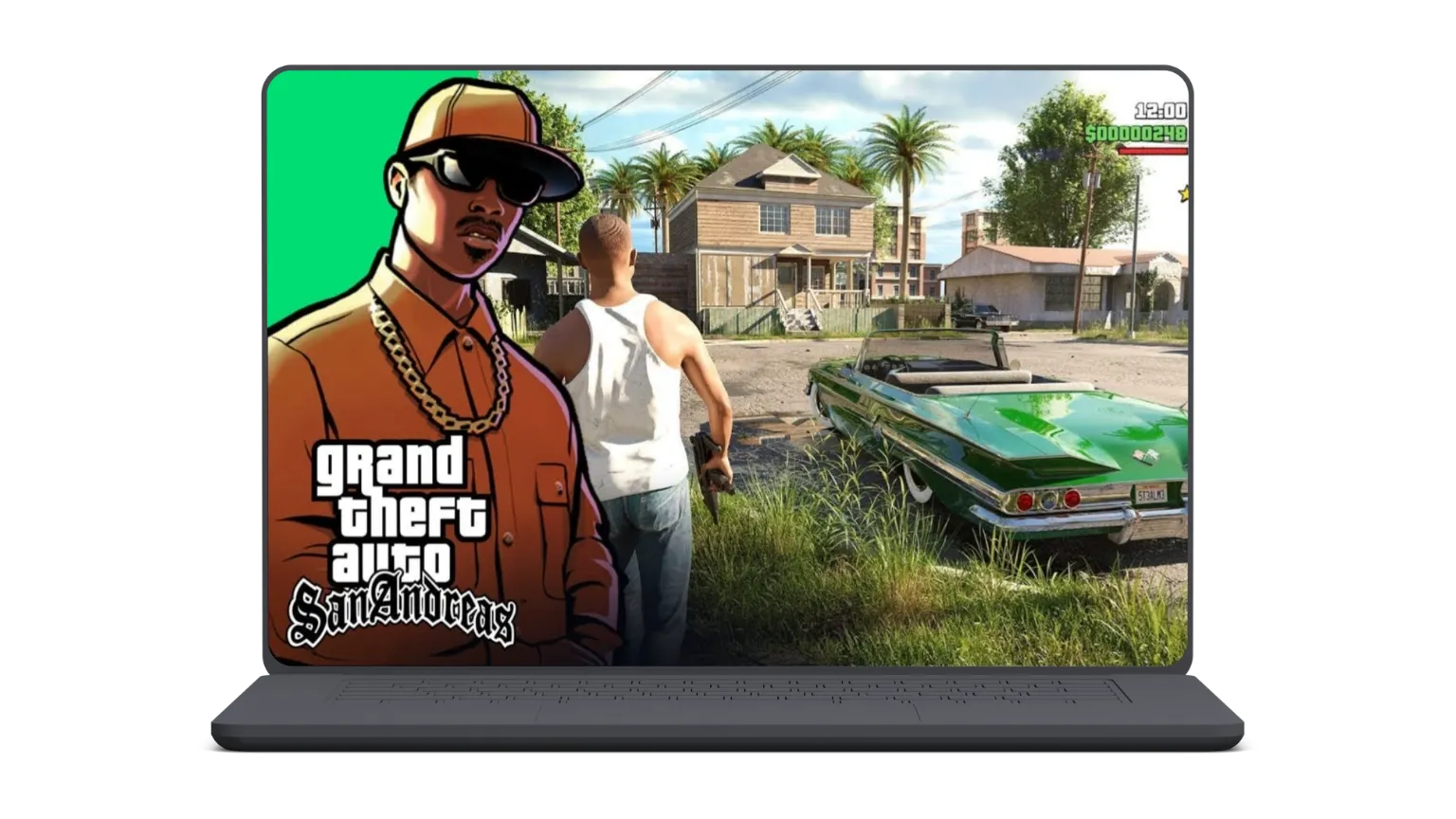
GTA San Andreas PC for Windows 7/8/10/11
Most players enjoy playing GTA San Andreas game on Desktop PC so we provide both the original and GTA San Andreas MOD for PC. Download the game now and enjoy open world gameplay.
System Requirements For GTA San Andreas PC
Following are the minimum requirements to play GTA San Andreas game on your PC.
| Requirement | Minimum | Recommended |
|---|---|---|
| Operating System (OS) | Windows XP (32/64-bit) | Windows 7/8/10/11 (64-bit supported) |
| Processor (CPU) | AMD Athlon or 1GHz Pentium III | Pentium 4 or equivalent |
| RAM | 256MB | 512MB+ |
| Storage | 3.6GB | 5GB for smooth gameplay |
| Graphics Card (GPU) | 64MB (GeForce 3 or equivalent) | 128MB (GeForce 6 Series or better) |
Features of GTA San Andreas MOD for PC
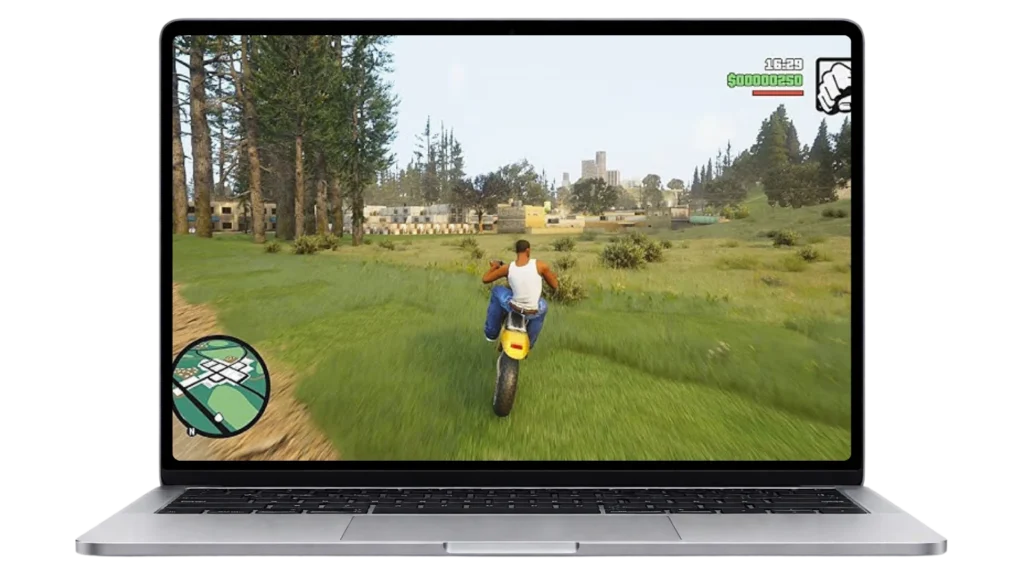
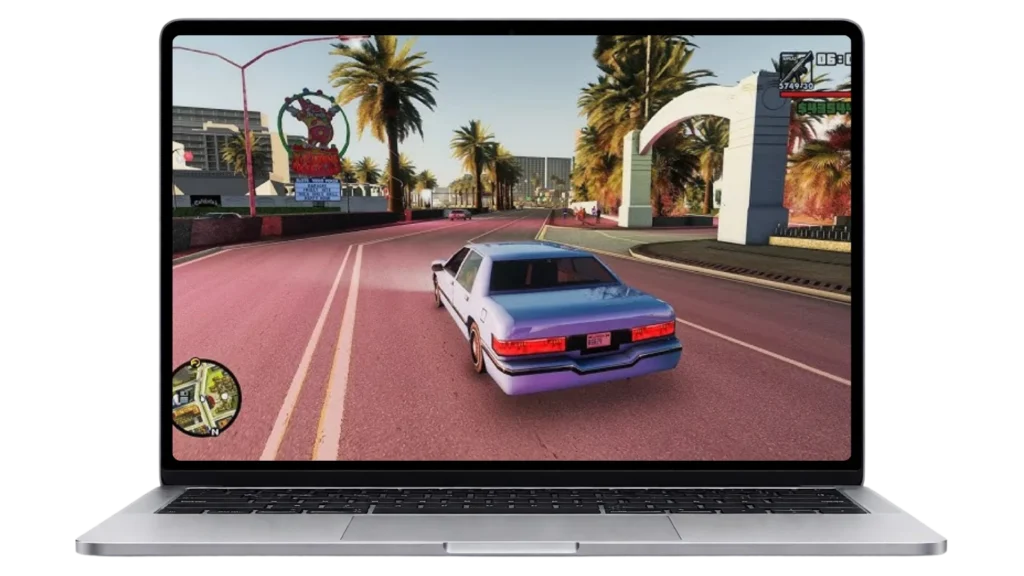
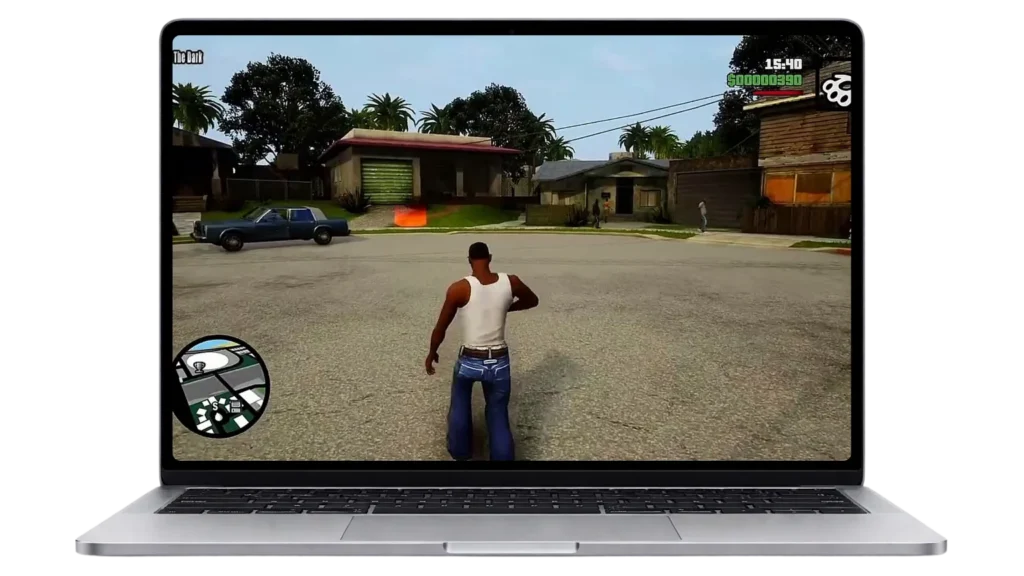
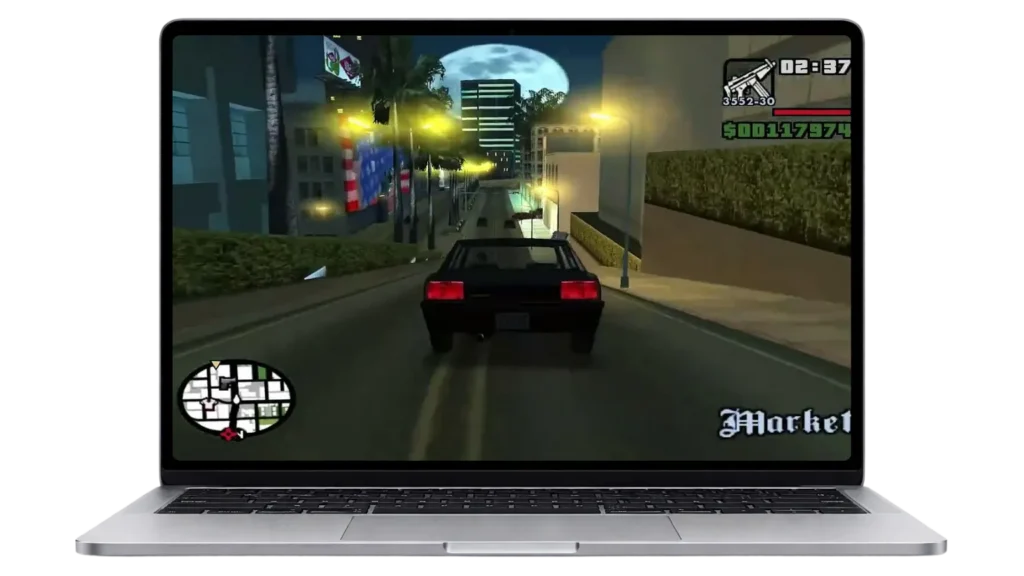
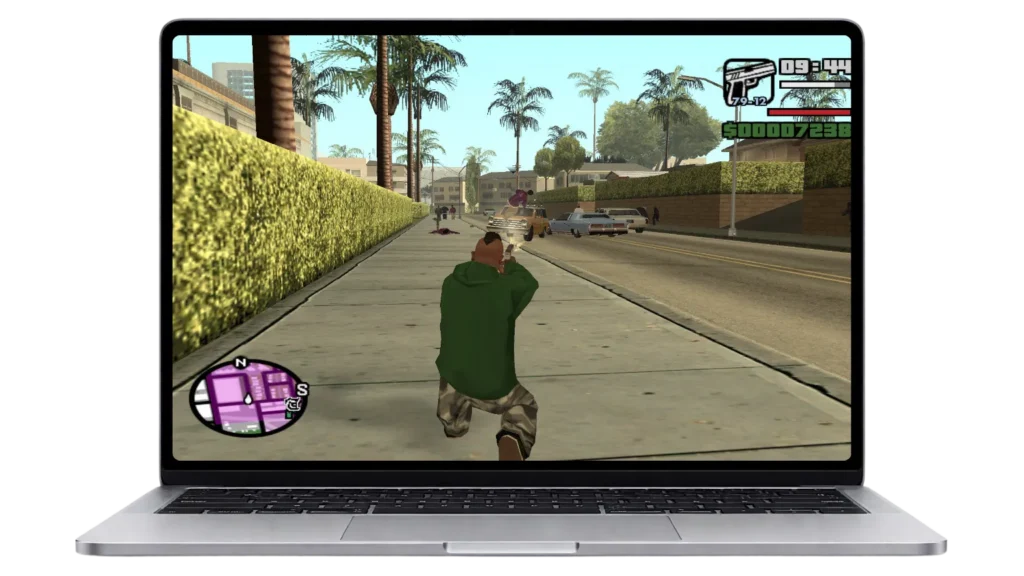
Screenshots of GTA San Andreas PC Gameplay
Download & Installation process of GTA San Andreas PC
Download and install GTA San Andreas for PC by following method:
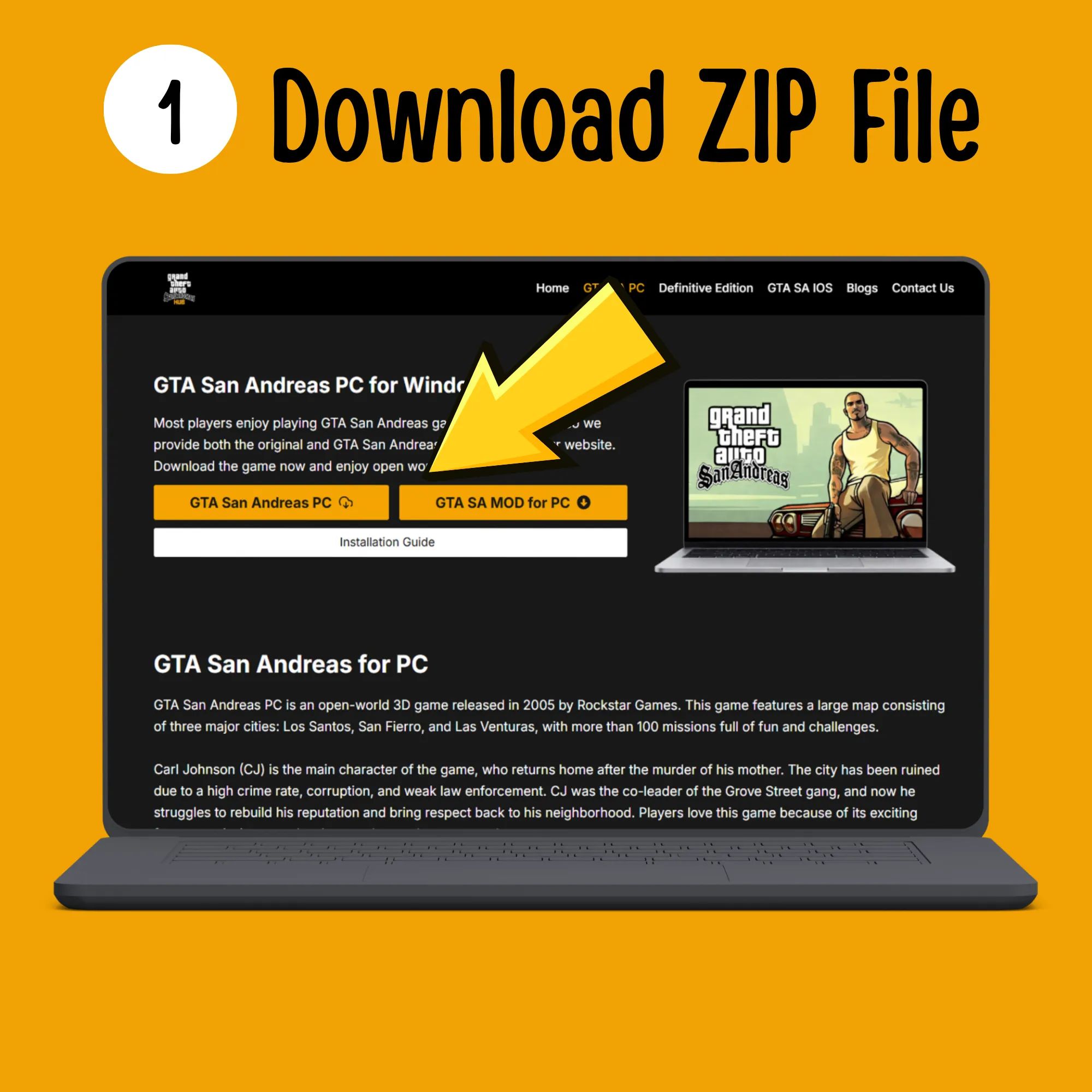
Download the ZIP file provided above by clicking the download button. The file will be saved to your computer.
Unzip the file using software like WinRAR or WinZip. You can download these from any browser like Chrome or Microsoft Edge.
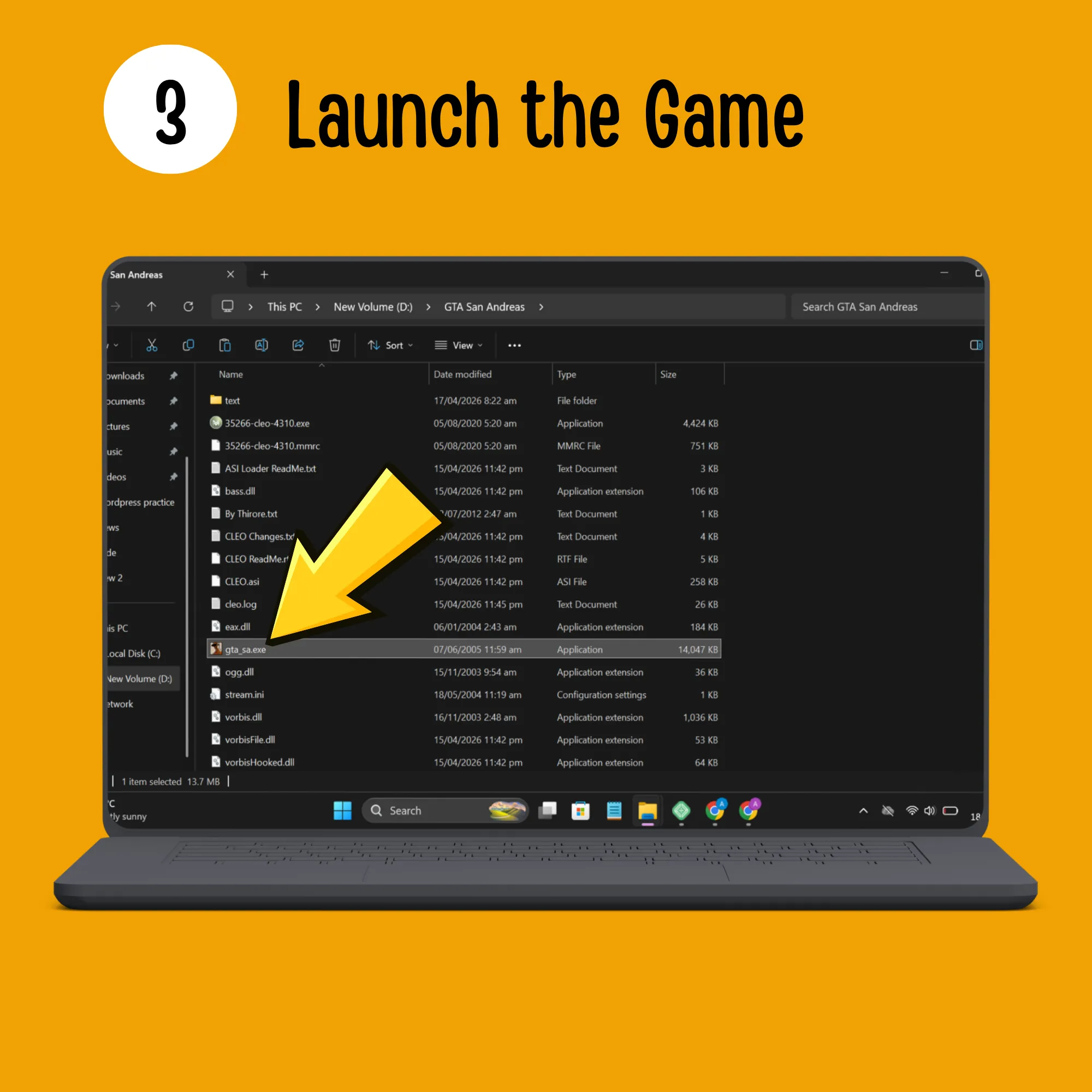
Go to your extracted game folder and run the .exe file. Now you can enjoy the latest version of GTA San Andreas PC.
If you face any problems during the installation of GTA San Andreas on PC, feel free to contact our support. Your issue will be resolved within 24 hours.
Common Errors of GTA San Andreas and Solution
Most of the players face the following errors, solutions are also given:
Game Crashes on or Screen loading
- Missing files or corrupt files is the most common reason for this issue. You can solve it by the following method:
- Open Documents → GTA San Andreas User Files
- Find and delete the file gta_sa.set (resets settings)
- Go to game folder and right-click gta_sa.exe → Properties
- Open Compatibility tab
- Set mode to Windows XP (Service Pack 3)
- Check these options:
- Disable fullscreen optimizations
- Run this program as administrator
- Done! Your game should run properly now 👍
GTA SA requires at least DirectX version 9.0” Error
- DirectPlay is disabled or missing:
- Press Windows + R
- Type OptionalFeatures.exe and press Enter
- In Windows Features, find Legacy Components
- Expand it and check “DirectPlay”
- Click OK and wait for it to install
- Restart your computer
- Done! The error should be fixed.
Save Failed! There was an error while saving the current game
- Save folder may be corrupted or game lacks the save permission:
- Solution:
- Go to Documents → GTA San Andreas User Files
- Right-click the folder → Properties
- Make sure Read-only is unchecked
- Go to game folder → right-click gta_sa.exe
- Click Run as administrator
- Done! Your game should save properly now.
Popular Cheat Codes for GTA San Andreas PC
Pros and Cons of GTA San Andreas MOD PC
Pros
Cheat Codes
Open World
Unlimited money
Infinite health
Unlocked missions
Offline version
Cons
No Updates
No official support
Crashes and bugs
No Online MOD
Avoid unsafe zip files and cracked versions
There are many websites which provide ZIP files of GTA San Andreas MOD for PC, but they often contain malicious files, viruses, and spyware, etc. Once you install them, you face issues like lagging PC/laptop, information stealing, and game crashes.
Frequently Asked Questions
Conclusion
GTA San Andreas PC is an open-world game that offers a smooth gaming experience with better controls and performance. In the GTA San Andreas MOD PC version, you can enjoy full gameplay with unlimited money, health, ammo, unlocked missions, and much more.
Note: Always download the GTA San Andreas MOD APK from a trusted source like our website.